
🔥 1. Introduction: The Skill Nobody Talks About (But Everyone Needs)

Let me guess.
When you think about high-income skills, your mind probably jumps to:
- Coding 💻
- Graphic design 🎨
- Digital marketing 📈
And Excel?
You’re like… “Isn’t that just for boring office work?”
That’s exactly where most students go wrong.
Because in 2026, Advanced Excel + AI skills are quietly becoming one of the most powerful money-making combinations—and hardly anyone is talking about it properly.
Here’s the reality:
👉 Businesses don’t just need creatives
👉 They don’t just need coders
👉 They need people who can understand data and make smart decisions
And guess what tool sits at the center of all this?
Excel.
Now combine that with AI tools…
And suddenly, you’re not just a student anymore—you’re a problem solver companies will pay for.
😰 The Problem Most Students Face
- No clear direction after 10th or 12th
- Confusion between too many courses
- Fear of choosing something “useless”
- Pressure to pick a “safe” career
Meanwhile, the job market is evolving fast.
And the truth is:
👉 The safest career today is NOT a degree
👉 It’s a high-income skill that solves real problems
💡 The Promise of This Guide
In this article, you’ll discover:
- Why Advanced Excel + AI is the #1 underrated skill in 2026
- How it can help you earn ₹20K to ₹1L+ per month
- What exactly you’ll learn
- Career options, salaries, and future scope
- How students like you can start from zero
Let’s unlock this hidden goldmine 👇
📊 2. Why Advanced Excel + AI Skills Are Exploding in 2026

We’re living in the data era.
Every click, every purchase, every business decision—everything generates data.
But here’s the problem:
👉 Data is useless… unless someone can understand it.
That’s where Excel + AI professionals come in.
📈 The Big Shift Happening Right Now
- Businesses are becoming data-driven
- AI tools are automating repetitive work
- Companies want faster decision-making
And they need people who can:
- Analyze data
- Create reports
- Automate tasks
- Use AI to save time
💥 Why Excel + AI is a Powerful Combo
Let’s break it down:
| Skill | What It Does |
|---|---|
| Excel | Organizes & analyzes data |
| AI Tools | Automates & enhances work |
👉 Together = Superpower
🌍 Real-World Demand
Companies hiring for:
- Data entry? ❌ (low demand now)
- Data analysis? ✅ (high demand)
- Automation experts? ✅ (growing fast)
Even small businesses now need:
- Sales tracking
- Expense management
- Customer data analysis
💸 High Income Potential
With this skill, you can:
- Get a job
- Freelance
- Work remotely
- Offer services to businesses
And the best part?
👉 You don’t need a fancy degree
👉 You don’t need 4 years of college
Just skills + practice
🎯 3. What is Advanced Excel + AI Skills? (Simple Explanation)
Let’s make this super simple.
💻 What is Advanced Excel?
Not basic “sum and average” stuff.
We’re talking about:
- Pivot Tables
- VLOOKUP / XLOOKUP
- Data Visualization (Charts, Dashboards)
- Conditional Formatting
- Macros & Automation
👉 Basically, turning raw data into meaningful insights.
🤖 What are AI Skills in This Context?
Using tools like:
- ChatGPT
- Excel AI features
- Automation tools
To:
- Analyze data faster
- Generate reports
- Automate repetitive tasks
⚡ Example (Real-Life)
Without AI:
- You spend 3 hours making a report
With Excel + AI:
- You do it in 30 minutes
👉 That’s why companies pay more.
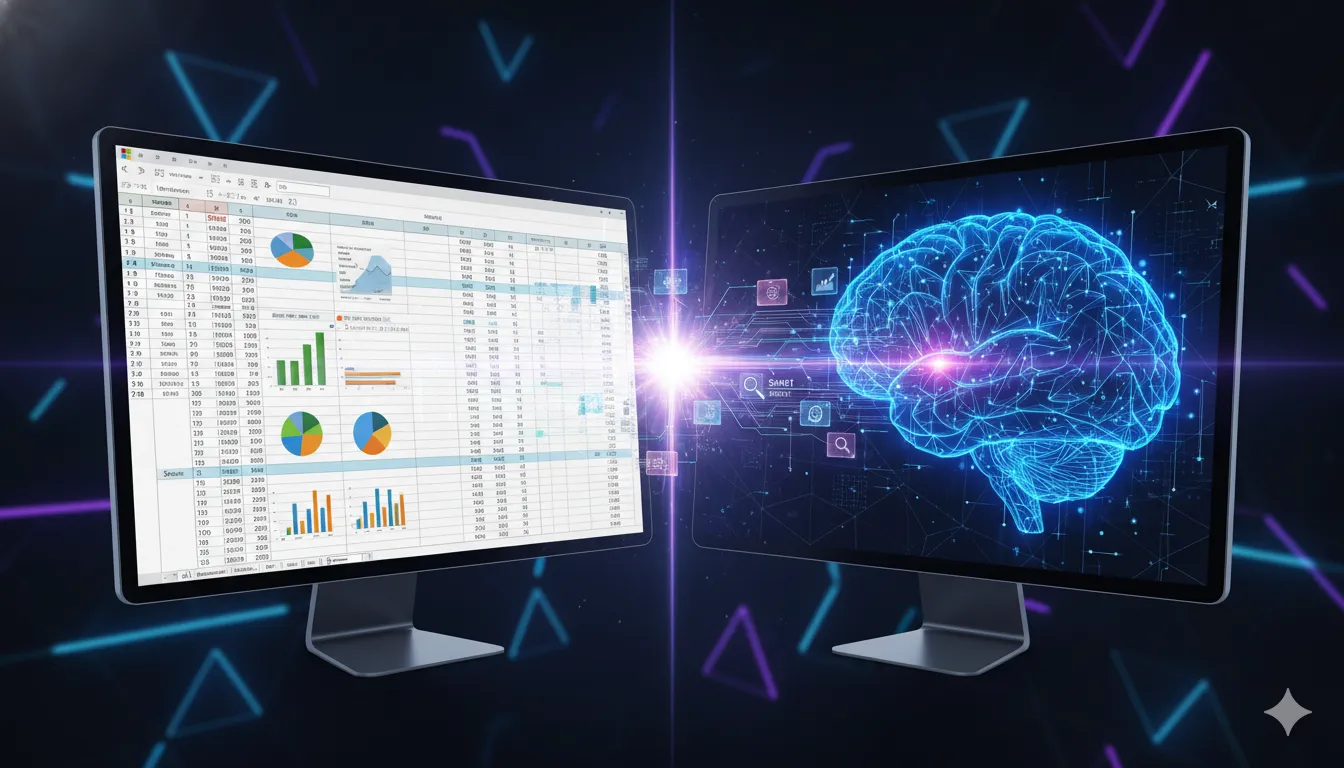
🧠 4. What You Will Learn in This Course
If you join an Advanced Excel + AI course, here’s what you’ll typically learn:
📊 Excel Core Skills
- Data entry & formatting
- Formulas & functions
- Logical functions (IF, AND, OR)
📈 Advanced Excel
- Pivot Tables & Charts
- Data analysis techniques
- Dashboard creation
⚙️ Automation Skills
- Macros
- Repetitive task automation
- Workflow optimization
🤖 AI Integration
- Using ChatGPT with Excel
- AI-powered data insights
- Automation using AI tools
💼 Practical Projects
- Sales reports
- Business dashboards
- Expense trackers
- Data analysis case studies
👉 This is what makes you job-ready.
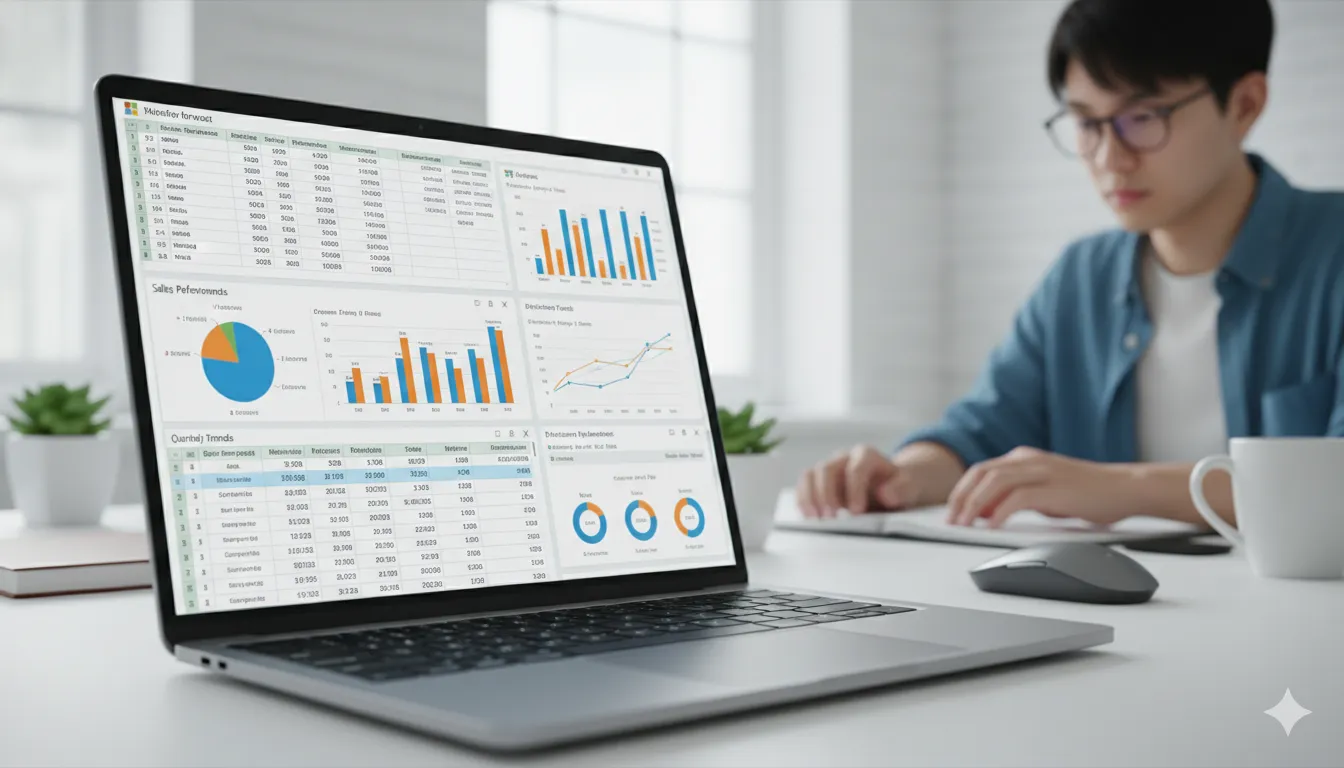
💼 5. Career Opportunities After Learning Excel + AI
Now let’s talk about what you really care about:
👉 “What can I become?”
👉 “How much can I earn?”
💻 Job Roles
- Data Analyst
- MIS Executive
- Excel Specialist
- Business Analyst (entry-level)
- Office Executive
💰 Salary (India)
- Beginner: ₹15,000 – ₹30,000/month
- Intermediate: ₹30,000 – ₹60,000/month
- Advanced: ₹60,000 – ₹1L+/month
🌍 Freelancing Opportunities
You can offer services like:
- Excel dashboards
- Data analysis
- Report automation
Platforms:
- Fiverr
- Upwork
🏠 Remote Work
Many companies hire remote Excel experts.
👉 Work from home + earn well = dream combo 😄

⚖️ 6. Why This Skill is Better Than Most Courses
Let’s compare honestly.
❌ Traditional Courses
- Too much theory
- Less practical use
- Slow results
✅ Excel + AI Skills
- Practical
- High demand
- Quick learning (3–6 months)
- Immediate earning potential
💡 Hidden Advantage
This skill works in every industry:
- Finance
- Marketing
- Sales
- Operations
👉 You’re not limited to one field.
💡 7. Who Should Learn This Skill?
This is not just for “top students”.
👨🎓 Perfect For:
- Students after 10th or 12th
- Commerce students
- Beginners with no coding knowledge
- Job seekers
- Freelancers
😅 Even If You Think:
- “I’m not good at studies”
- “I don’t like coding”
- “I’m confused about career”
👉 This skill still works for you.
🏫 8. Why Learning from the Right Institute Matters
Here’s something most people ignore.
👉 The course matters
👉 But the institute matters more
❌ Problems with YouTube Learning
- No structure
- No guidance
- No real projects
- No certification
✅ Benefits of a Professional Institute
- Step-by-step learning
- Practical training
- Doubt solving
- Real projects
- Placement support
📍 Example: Digitech Advance Computer Centre
If you’re in Kolkata:
At Digitech Advance Computer Centre, you get:
- Practical Excel + AI training
- Industry-relevant skills
- Friendly environment
- Affordable fees
👉 Perfect for beginners and students.
❌ 9. Mistakes to Avoid While Learning Excel + AI
Avoid these mistakes:
🚫 1. Learning Only Theory
Practice is everything.
🚫 2. Skipping Projects
Projects = proof of skill
🚫 3. Not Using AI Tools
AI is your advantage—use it.
🚫 4. Giving Up Early
Consistency beats talent.
📅 10. Future Scope of Excel + AI Skills (2026–2030)
Let’s talk future.
🔮 What’s Coming:
- AI automation everywhere
- Data-driven decision-making
- Less manual work
- More smart tools
💡 What This Means for You
👉 People who understand data will win
👉 People who ignore it will struggle
🚀 Growth Areas
- Business analytics
- Financial analysis
- Marketing data
- AI-assisted reporting
📢 11. Strong Call-to-Action
Let’s keep it real.
If you:
- Stay confused
- Keep delaying
- Wait for “perfect time”
Nothing changes.
⚡ But If You Start Today:
- You gain a skill
- You build confidence
- You create opportunities
🎯 Take Action Now
👉 Join a course
👉 Learn Excel + AI
👉 Start building your future
❓ 12. FAQs (Advanced, High-Weight SEO Section)
Q1. Is Advanced Excel still relevant in 2026 with AI growing?
Yes—more than ever.
AI is not replacing Excel, it is enhancing it.
Companies still rely on Excel for:
- Data management
- Reporting
- Decision-making
AI simply helps you do these tasks faster and smarter.
👉 So instead of Excel vs AI, it’s Excel + AI = Future Skill
Q2. What is the difference between basic Excel and advanced Excel?
Basic Excel includes:
- Simple formulas (SUM, AVERAGE)
- Data entry
Advanced Excel includes:
- Pivot Tables
- VLOOKUP/XLOOKUP
- Dashboards
- Automation (Macros)
👉 Advanced Excel turns you from a “user” into a professional problem solver
Q3. Can I learn Excel + AI without a commerce background?
Absolutely.
This skill is not limited to commerce students.
Anyone can learn:
- Science students
- Arts students
- Beginners
👉 No prior experience needed—just willingness to learn.
Q4. How long does it take to learn Advanced Excel + AI?
Typically:
- 2–3 months → Basic to intermediate
- 3–6 months → Job-ready level
But the real factor is:
👉 Practice + consistency
Q5. Can I get a job after learning Advanced Excel + AI?
Yes.
Entry-level roles include:
- MIS Executive
- Data Analyst (junior)
- Office Executive
👉 Many companies actively hire Excel-skilled candidates.
Q6. What is the salary after learning Excel + AI skills?
In India:
- Beginner: ₹15K – ₹30K/month
- Intermediate: ₹30K – ₹60K/month
- Advanced: ₹60K – ₹1L+/month
Freelancers can earn even more depending on clients.
Q7. Is coding required for Excel + AI skills?
No.
That’s the best part.
You don’t need:
- Programming knowledge
- Technical background
👉 Basic logic + practice is enough.
Q8. Which industries use Excel + AI skills?
Almost every industry:
- Finance
- Marketing
- Sales
- E-commerce
- Healthcare
- Startups
👉 This skill is universal.
Q9. Can I do freelancing with Excel skills?
Yes, and it’s a huge opportunity.
You can offer:
- Data cleaning
- Dashboard creation
- Report automation
Platforms:
- Fiverr
- Upwork
Q10. What tools are used along with Excel in AI-based work?
Common tools include:
- ChatGPT
- Excel AI features
- Power BI (optional advanced)
👉 These tools increase your productivity.
Q11. Is Advanced Excel difficult to learn?
Not really.
It may feel complex at first, but:
- Step-by-step learning makes it easy
- Practice builds confidence
👉 Most students become comfortable within weeks.
Q12. Which course is better: Excel + AI or Digital Marketing?
It depends on your interest:
- Like data & analysis → Excel + AI
- Like creativity & ads → Digital Marketing
👉 Both are high-income skills.
Q13. Is Excel + AI a good career for the future (2026–2030)?
Yes.
Future trends show:
- More data
- More automation
- More need for analysis
👉 This skill will only grow in demand.
Q14. Can school students learn Advanced Excel?
Yes.
Even students after Class 10 or 12 can start learning.
👉 Early learning = early advantage
Q15. Do I need a laptop to learn Excel + AI?
Yes, a basic laptop is recommended.
You don’t need:
- Expensive setup
- High-end PC
👉 Even a normal laptop works fine.
Q16. Is certification important for Excel courses?
Yes.
A certificate:
- Adds credibility
- Helps in job applications
But remember:
👉 Skills matter more than certificates
Q17. What are the best job-oriented Excel courses in 2026?
Courses that include:
- Advanced Excel
- AI integration
- Real projects
👉 These are the most valuable and job-oriented.
Q18. Can I switch my career using Excel + AI skills?
Yes.
Many people:
- Switch from non-technical fields
- Upgrade their current jobs
👉 It’s a flexible and powerful skill.
Q19. How can I practice Excel effectively?
Best ways:
- Work on real datasets
- Create dashboards
- Solve business problems
👉 Practice like a professional, not a student.
Q20. Is Excel + AI better than learning only Excel?
Yes, 100%.
Only Excel = good
Excel + AI = powerful
👉 AI gives you a competitive edge.
Q21. What is the real use of Advanced Excel in jobs?
Advanced Excel is used for:
- Creating reports
- Analyzing business data
- Managing large datasets
👉 It helps companies make better decisions faster.
Q22. Is Excel + AI useful for small business owners?
Yes, extremely useful.
Small business owners can:
- Track sales
- Manage expenses
- Analyze customer data
👉 It helps in growing business smartly.
Q23. Can I learn Excel + AI from home?
Yes.
You can:
- Learn online
- Practice on your laptop
- Use AI tools anytime
👉 But structured learning gives faster results.
Q24. What is a dashboard in Excel?
A dashboard is a visual report that shows:
- Charts
- Graphs
- Key data
👉 It makes data easy to understand quickly.
Q25. What are the most important Excel formulas to learn?
Key formulas include:
- VLOOKUP / XLOOKUP
- IF function
- SUMIF / COUNTIF
👉 These are widely used in real jobs.
Q26. How does AI help in Excel work?
AI helps by:
- Automating tasks
- Suggesting formulas
- Generating insights
👉 It saves time and improves accuracy.
Q27. Is Excel + AI a safe career option?
Yes.
Because:
- Data is growing every day
- Businesses need analysis
👉 This skill has long-term stability.
Q28. What is the difference between Excel and Power BI?
- Excel → Data handling & basic analysis
- Power BI → Advanced data visualization
👉 Excel is the foundation.
Q29. Can I use Excel skills in government jobs?
Yes.
Excel is useful in:
- Clerical jobs
- Data management roles
👉 It gives you an advantage.
Q30. How much practice is needed to master Excel?
Daily practice of:
- 1–2 hours
- Real-world problems
👉 Within months, you can become confident.
Q31. Can Excel + AI skills help in internships?
Yes.
Many internships require:
- Data handling
- Report making
👉 Excel gives you a strong edge.
Q32. Is Excel useful for students preparing for competitive exams?
Yes.
It helps in:
- Data interpretation
- Analytical thinking
👉 Improves problem-solving ability.
Q33. What kind of projects should I build in Excel?
You can create:
- Sales dashboards
- Expense trackers
- Student performance reports
👉 Projects make your portfolio strong.
Q34. Can I start freelancing without experience?
Yes, but:
- Start with small projects
- Build sample work
👉 Experience grows with time.
Q35. What makes Excel + AI a high-income skill?
Because it:
- Saves time for businesses
- Improves decision-making
- Reduces manual work
👉 Businesses are willing to pay more for this.
🔚 13. Conclusion (Deep, Emotional & High-Impact)
Let’s talk honestly for a moment.
Right now, you’re standing at a very important point in your life.
A point where:
- Every decision feels confusing
- Every option feels risky
- And every delay feels “safe”… but isn’t
Because here’s the truth most people won’t tell you:
👉 Staying confused is also a decision
👉 And usually, it’s the most dangerous one
The world you’re stepping into is not the same as before.
Degrees alone are not enough.
Marks alone are not enough.
What matters now is:
👉 What can you do?
👉 What problems can you solve?
And that’s exactly where Advanced Excel + AI skills come in.
This is not just another course.
It’s a practical, real-world, income-generating skill.
A skill that:
- Works in every industry
- Doesn’t require years to learn
- Can start paying you within months
But here’s the catch…
It only works if you start.
Not tomorrow.
Not “next month”.
Not “after thinking more”.
👉 Now.
Because while you’re thinking…
Someone else is learning.
Someone else is practicing.
Someone else is getting ahead.
Imagine this:
📅 6 months from today
Version 1 of you:
- Still confused
- Still searching
- Still waiting
Version 2 of you:
- Knows Excel + AI
- Has real skills
- Maybe even earning
Both versions are possible.
The only difference?
👉 One decision.
👉 One starting point.
You don’t need to be perfect.
You don’t need to be the smartest.
You just need to be:
- Curious enough to start
- Consistent enough to continue
Because in the end…
Your future will not be decided by luck.
It will be decided by the skills you choose to build today.
So ask yourself one last question:
👉 “Will I stay where I am… or will I grow?”